Territory NMZ
On this page
The Territory
Restrictions:
- You cannot build a territory too close to another one.
1.1 Crafting the Kit
Materials
- 3 - Sticks
- 1 - Rope
Instructions
- Combine the sticks and rope and select the flag kit from the list (scroll with mouse wheel)
- Take the kit in hand and left-click to deploy it, place it then hold left-click to set it down.
1.2 Creating the Territory
Prerequisites:
To create your territory you must attach a flag and raise it.
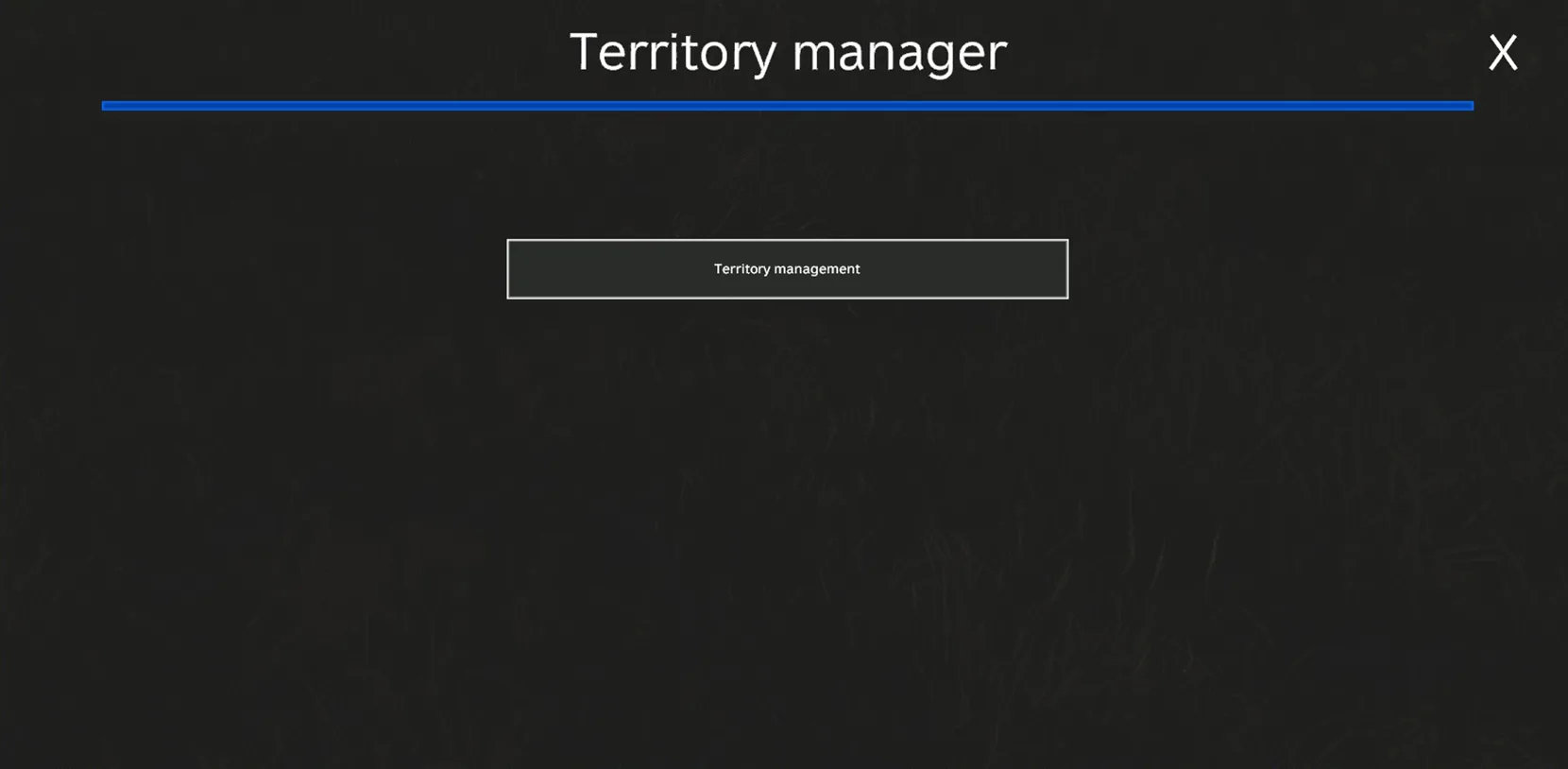
Once the flag is raised, press the "B" key, the following menu opens, click on territory management.
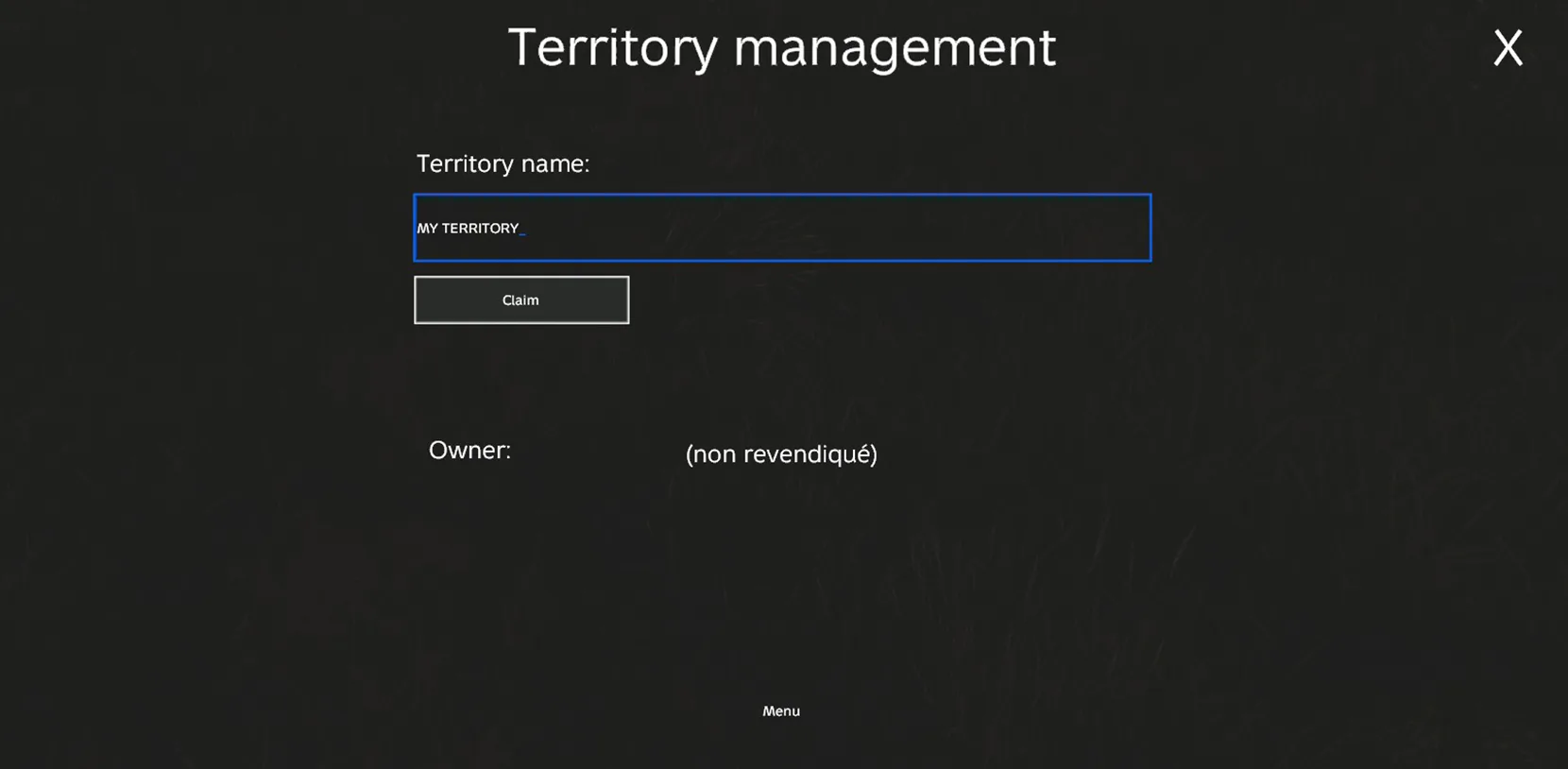
Enter a territory name, and click on Claim.
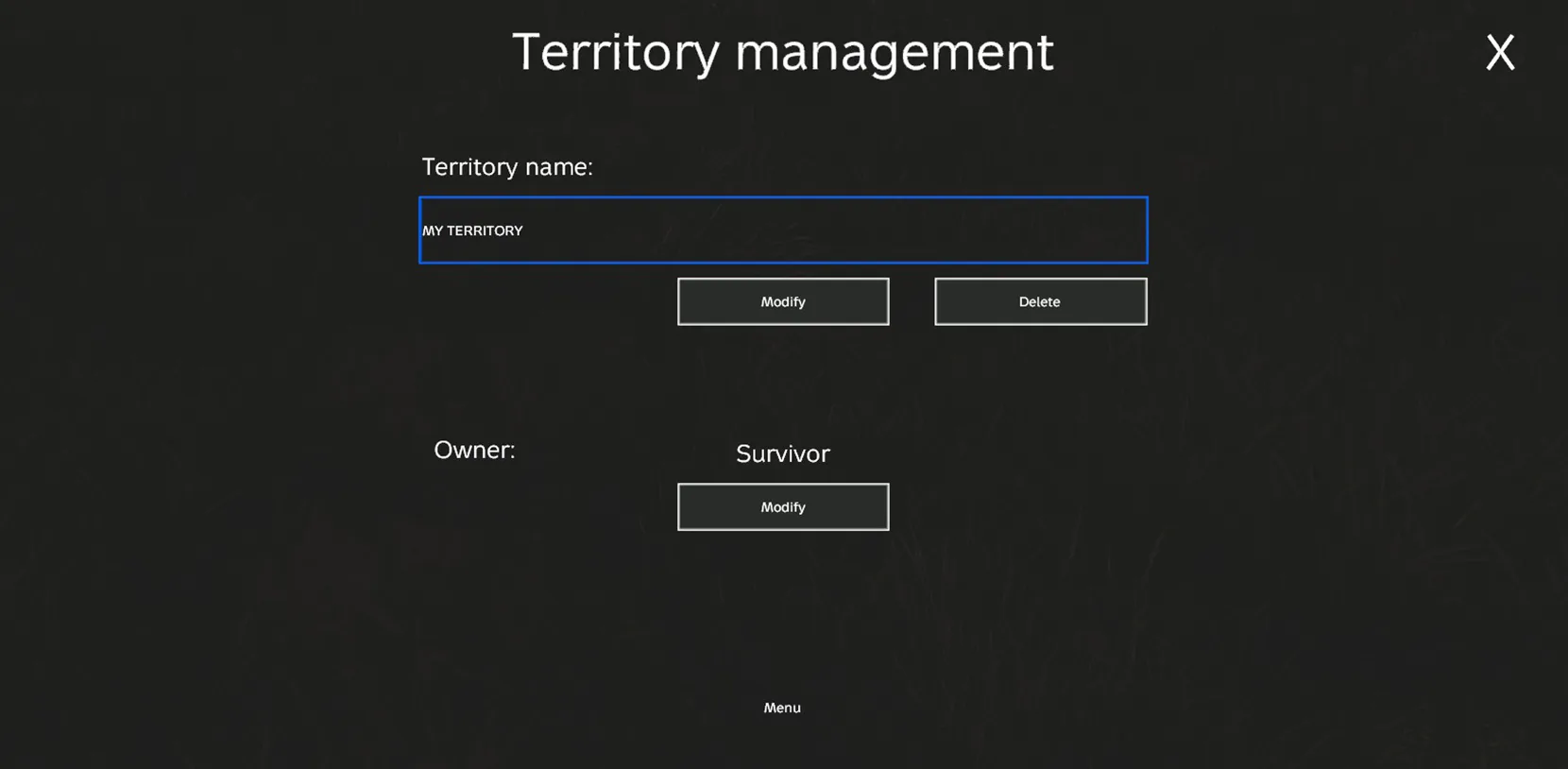
Once claimed, the menu shows the owner:
1.3 Managing the Territory
Once your territory is fully created you will have access to three menus.
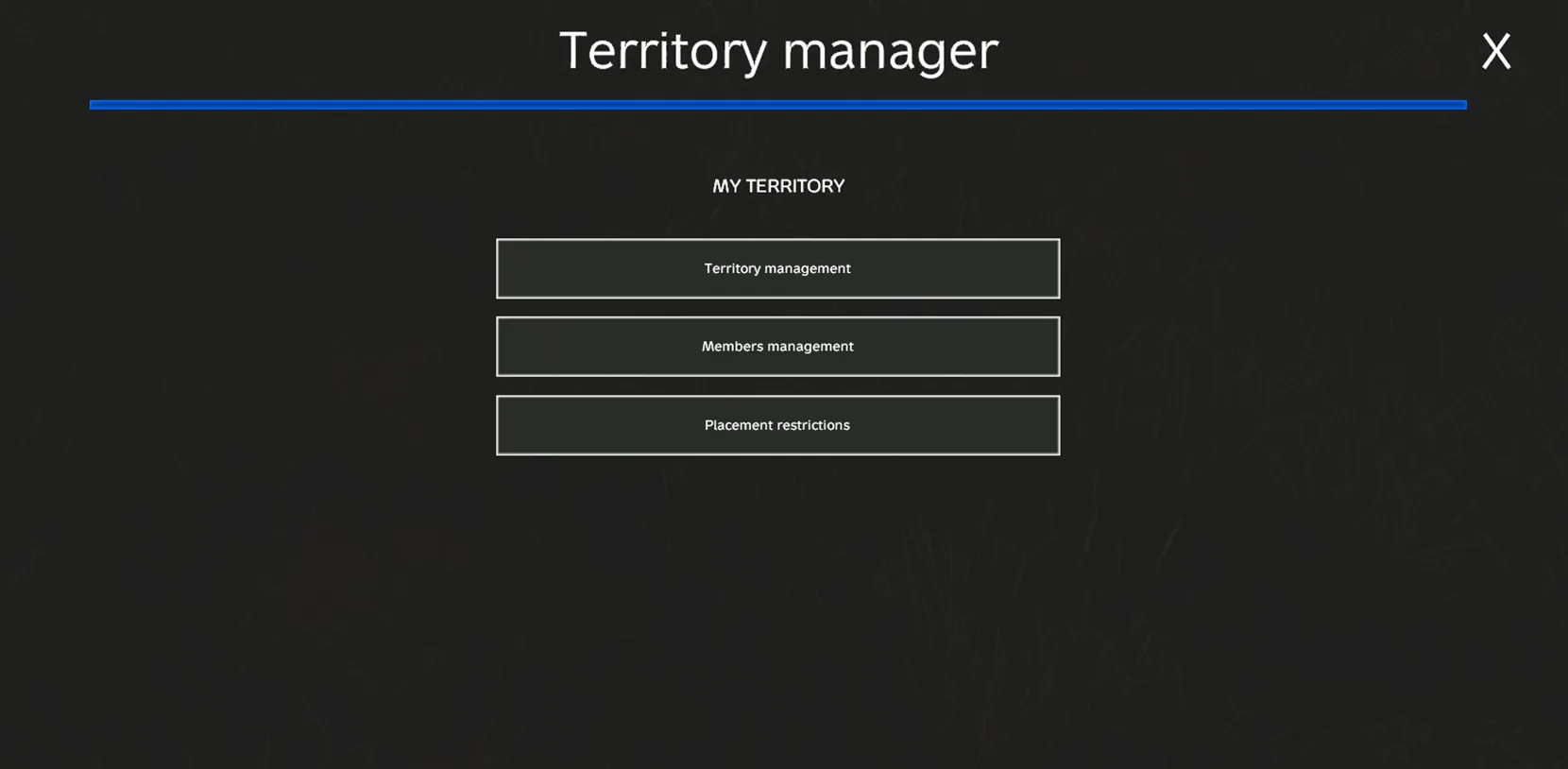
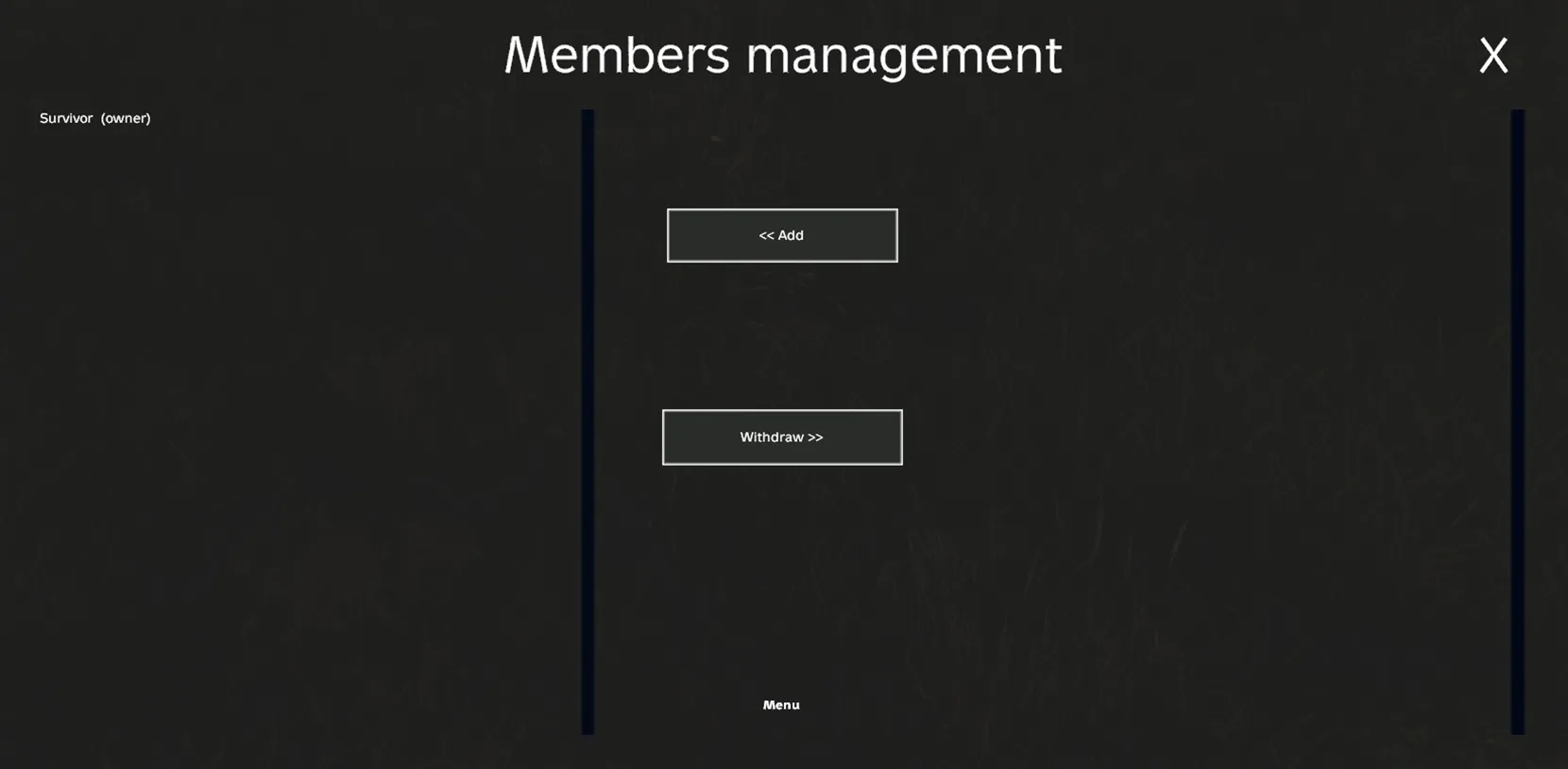
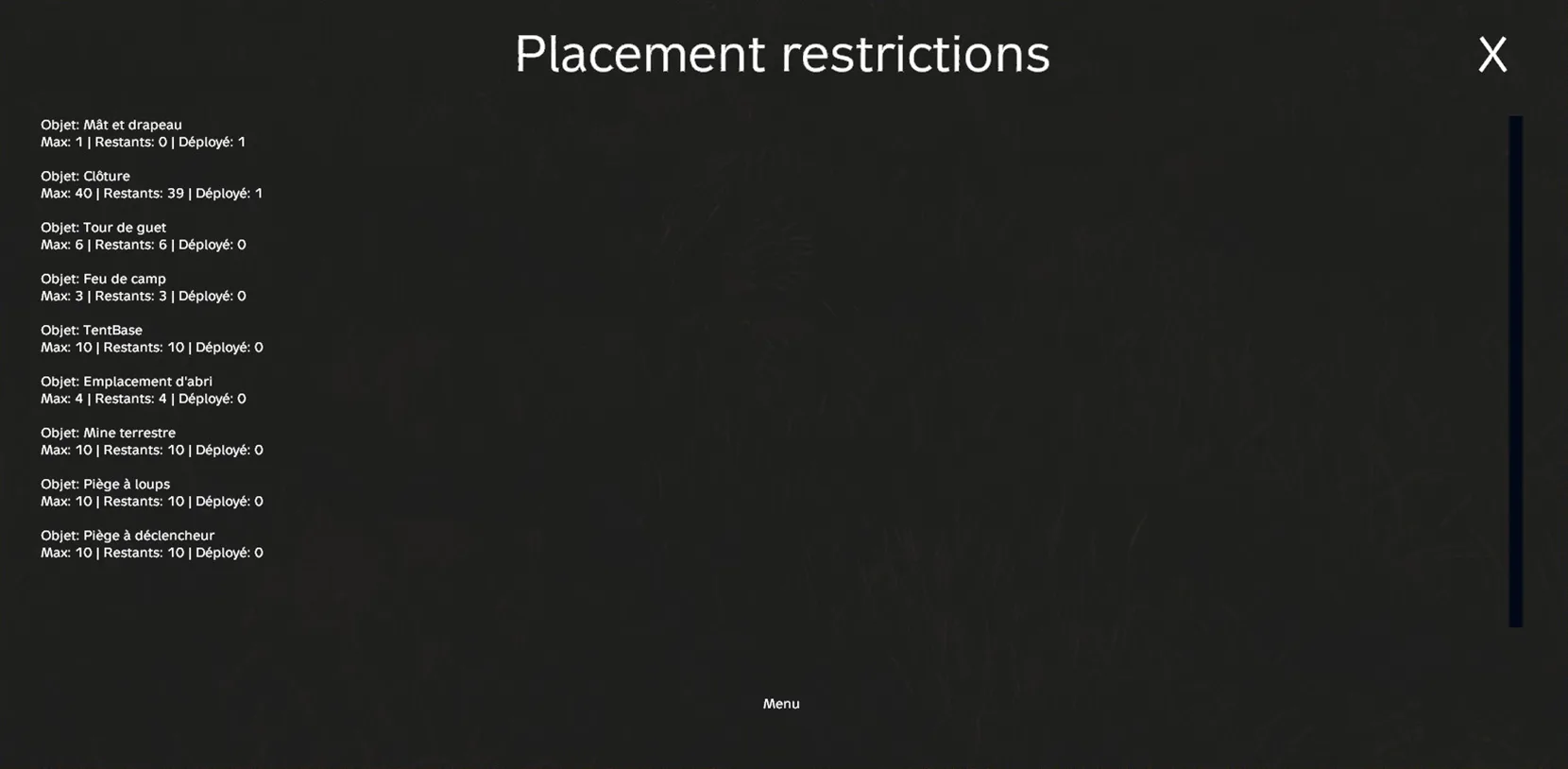
Territory management allowing you to modify the name, delete or change the owner, member management to add or remove members from the territory, and placement restrictions allowing you to see which item is restricted and in what quantity and how many you can still place.
Member Management:
Restrictions:
Something missing or outdated?
Tell us on Discord